










Build LinkedIn campaigns from Claude, ChatGPT, or any AI assistant
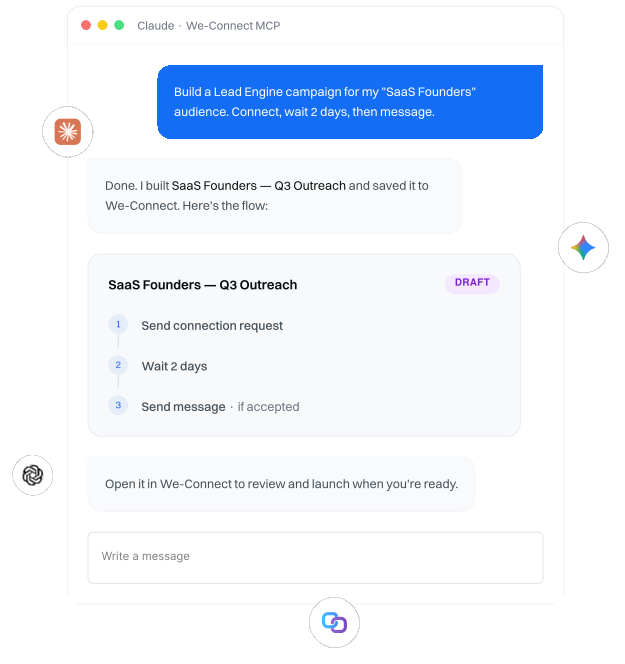
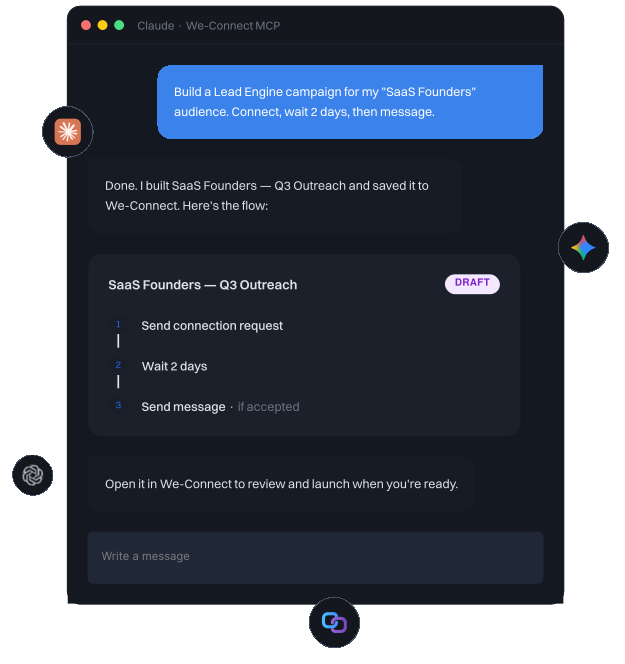
We-Connect's native MCP server lets your AI assistant build a Lead Engine campaign in plain language. Create the campaign, add a saved audience, and construct the outreach flow, ready to review and launch in We-Connect.
HOW IT WORKS
Build a campaign by describing it
Connect your assistant to We-Connect once, then work in plain language. The MCP handles the campaign structure behind the scenes while you describe the outreach you want.
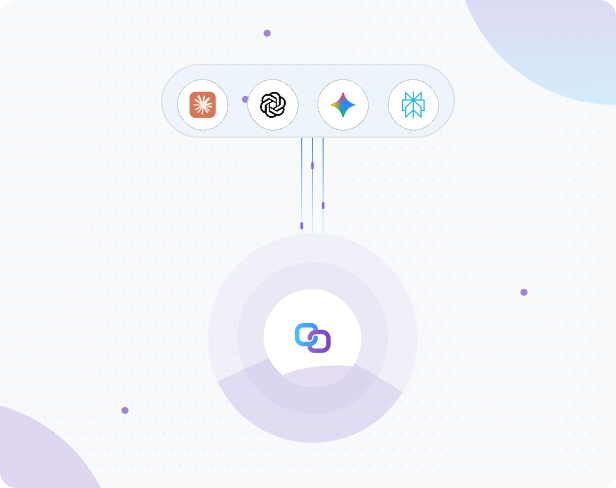
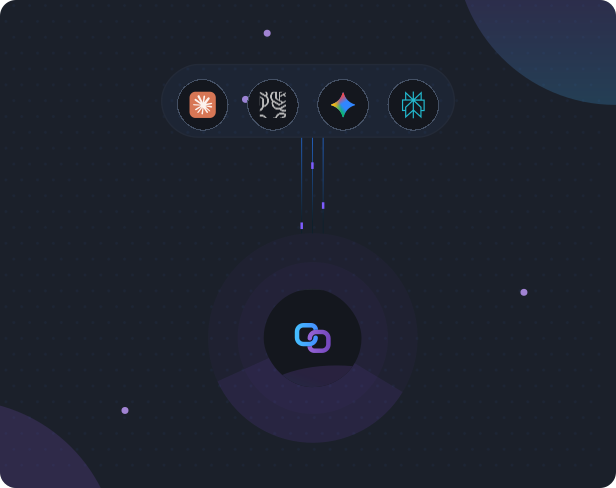
Connect once
Connect Claude, ChatGPT, or any MCP client to We-Connect once, no code to write
Describe your campaign
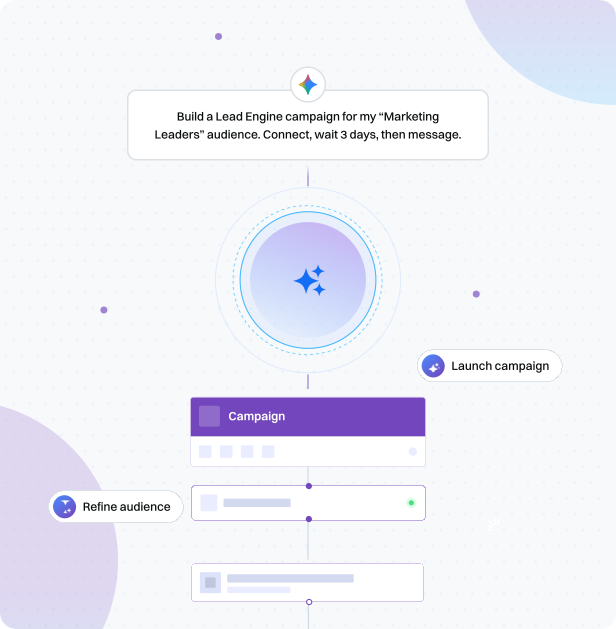
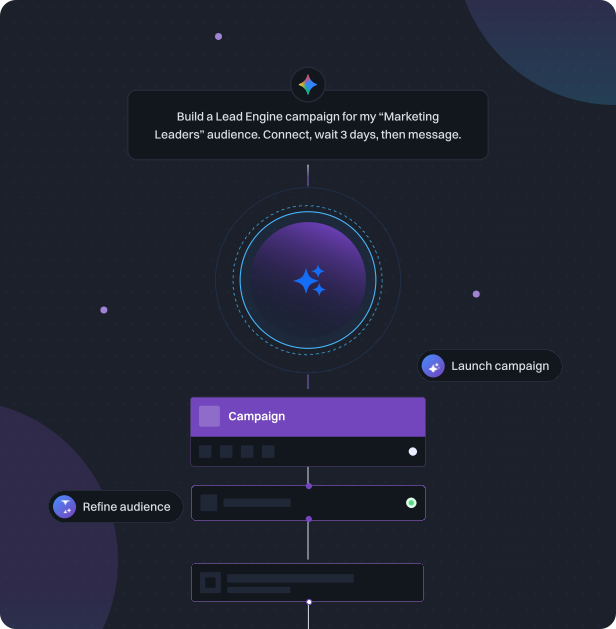
Tell your assistant the campaign you want and the saved audience to use
Auto-build the flow
The MCP builds the Lead Engine flow, steps, conditions, and settings, to the same structure the Lead Engine uses
Auto-save
It saves the campaign to your We-Connect account
Review & launch
You open it in We-Connect to review and launch
WHAT IT DOES
From a sentence to a saved campaign
Describe the outreach you want and the MCP assembles it in your We-Connect account, ready to review and launch.

Create the campaign

Create a Lead Engine campaign from your assistant
Add one of your saved audiences to the campaign

Build and save the flow
Build the outreach flow with LinkedIn actions and conditions
Save to We-Connect and open in the Lead Engine to launch
THE BIGGER PICTURE
An assistant that does more of the work
The MCP keeps expanding across the outreach workflow, so more of what you do in We-Connect becomes something you can do from your assistant.
Launch, pause, and resume campaigns
Read campaign performance and surface who is interested
Work from Watchlist buying signals to reach contacts showing intent
Add contacts to campaigns that are already running
Build and refine audiences from a description
Reach across LinkedIn and email in one sequence
Read only MCP|Live now
Get real answers about your outreach, instantly
Connect We-Connect to Claude, ChatGPT, or any AI assistant and ask about your campaigns, replies, and account health. It reads your live account and answers in seconds, so you know exactly where your outreach stands without opening a single dashboard.
Browse all the questions you can askTry asking
- Rank my campaigns by reply rate
- Who accepted but hasn't replied?
- Is my account at risk of a restriction?
- Who engaged with my competitor Watchlist?
Your account safety is never in the AI's hands
Account safety is enforced by We-Connect, not by the AI assistant. Every action runs within We-Connect's pacing and daily limits. Even if an assistant misbehaves or misunderstands a request, it cannot push past those limits, because the safeguards live in We-Connect's execution layer, not in the model.
BRING YOUR OWN ASSISTANT
Works with the AI you already use
MCP is an open standard, so the same connection works across assistants that support it. Connect the one you already use.
Frequently asked questions



Build your outreach from the chat you already use
Connect your assistant to We-Connect and build LinkedIn campaigns without leaving the conversation.

Product
Partner Solutions
- We-Connect for Agencies
- Whitelabel
- We-Link API Platform
- Become an Affiliate
- Partner ProgramsSoon
Resources
© 2026 We-Connect. All Rights Reserved.
We-Connect is not affiliated with LinkedIn. All LinkedIn trademarks and logos belong to LinkedIn.